

Remove tourists and unwanted people
Keep attention on the moment you wanted to capture, not on the people who wandered into the frame.
Select unnecessary people or objects in seconds, then let Inpaint rebuild the background from nearby image detail.
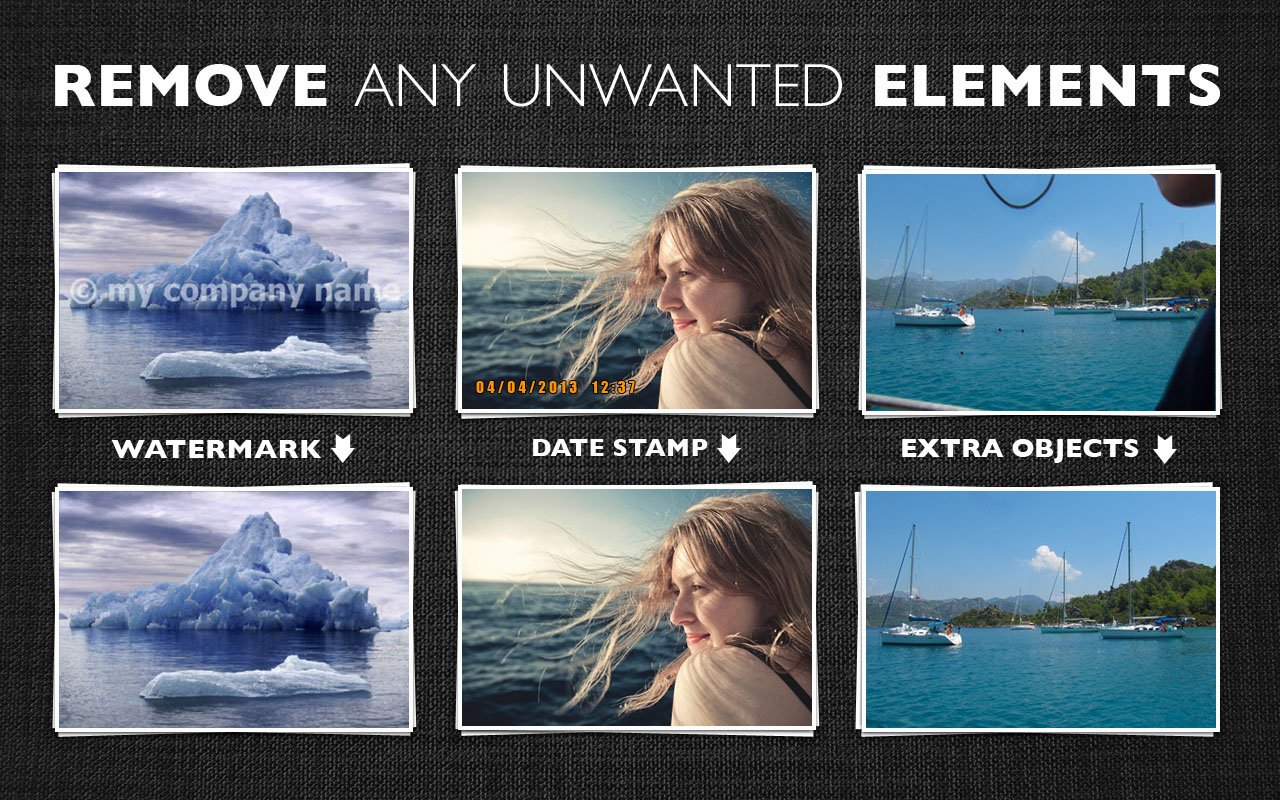
Erase marks, logos, wires, and distractions
Remove visual clutter that pulls attention away from the subject.
Use Inpaint for date stamps, watermarks, text, power lines, signs, and small background elements that spoil an otherwise strong photo.
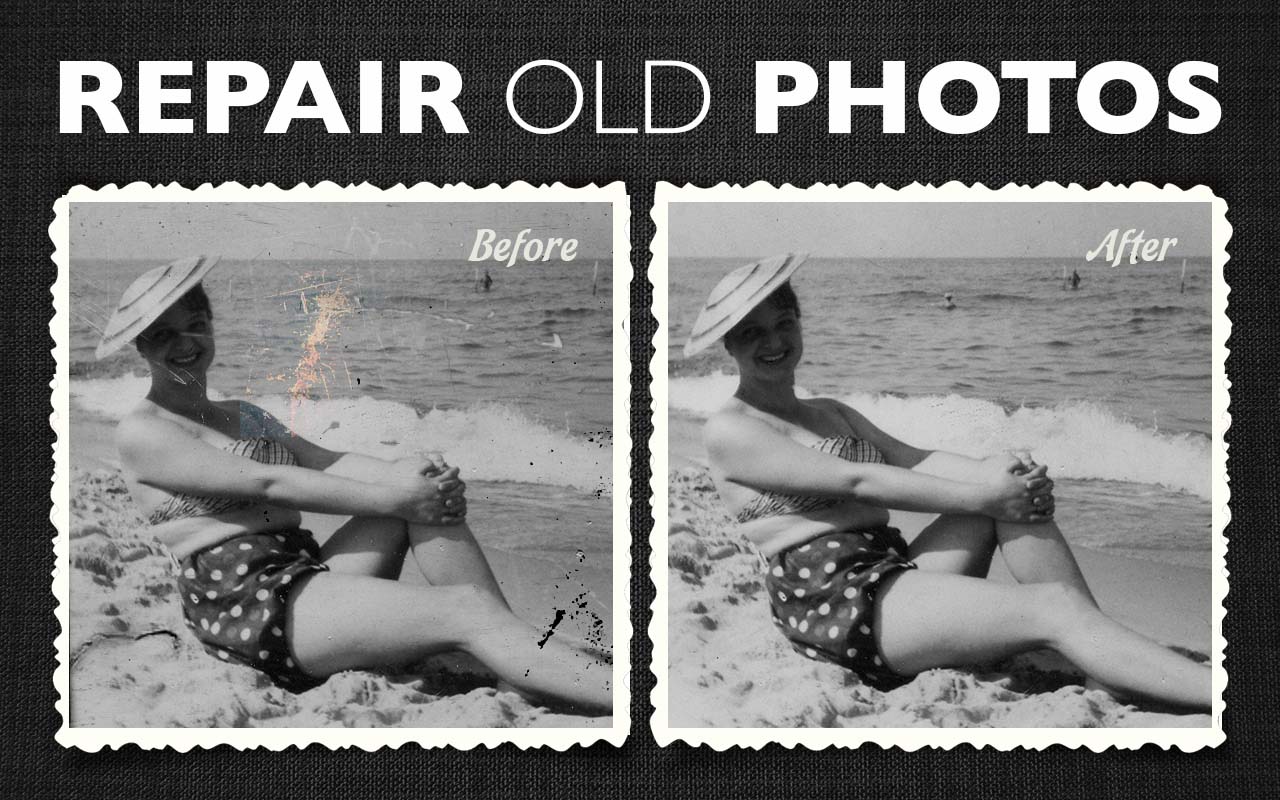
Repair old photos and scanned images
Retouch scratches, spots, tears, and worn areas while preserving the character of the original image.
Inpaint gives you a straightforward way to restore important family photos without advanced editing skills.
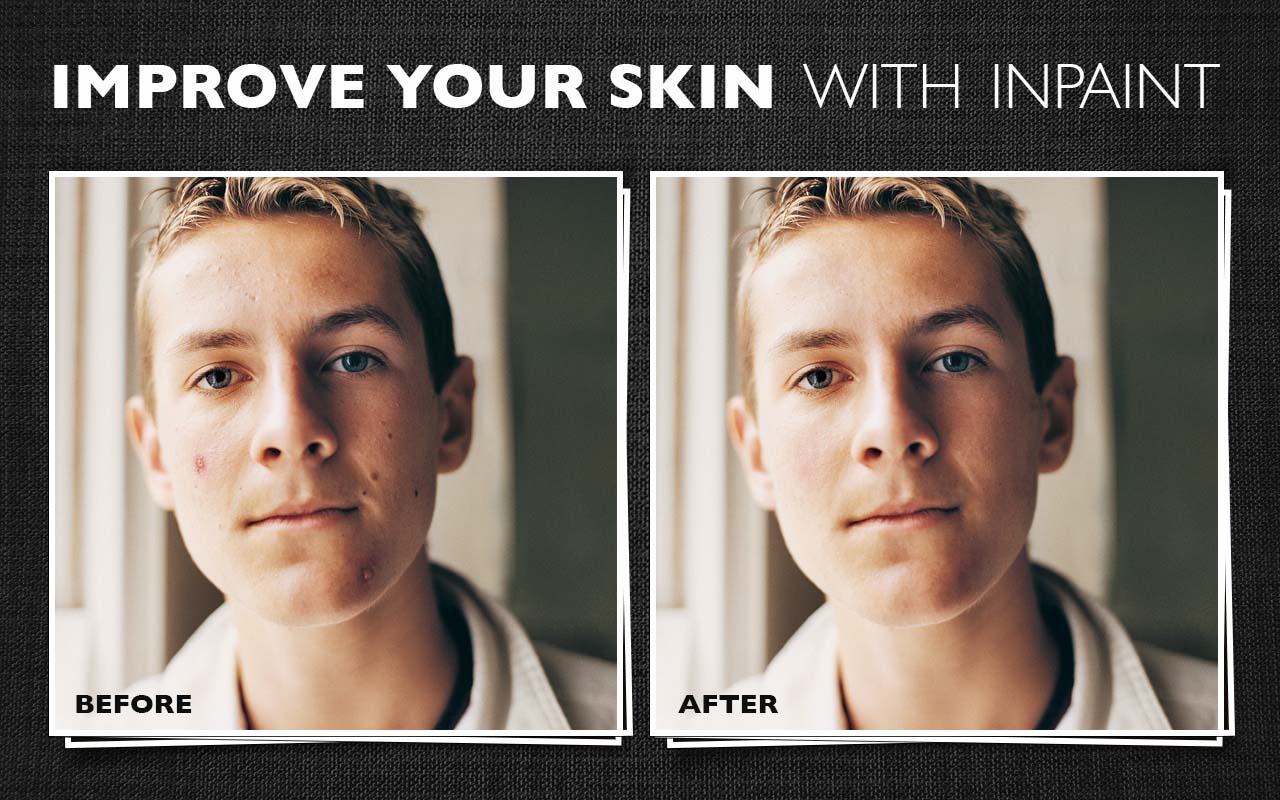
Retouch skin blemishes and small imperfections
Clean up distracting portrait details without turning the workflow into a technical editing project.
Use marker and selection tools on wrinkles, pimples, redness, dust, and other problem areas to get a cleaner result quickly.
Work faster with the desktop app
Inpaint is built for one clear job: remove unwanted parts of a photo with as little friction as possible.
Install it on Windows or Mac and work without limits by image count, image size, or file size.
Reconstruct selected areas from nearby pixels
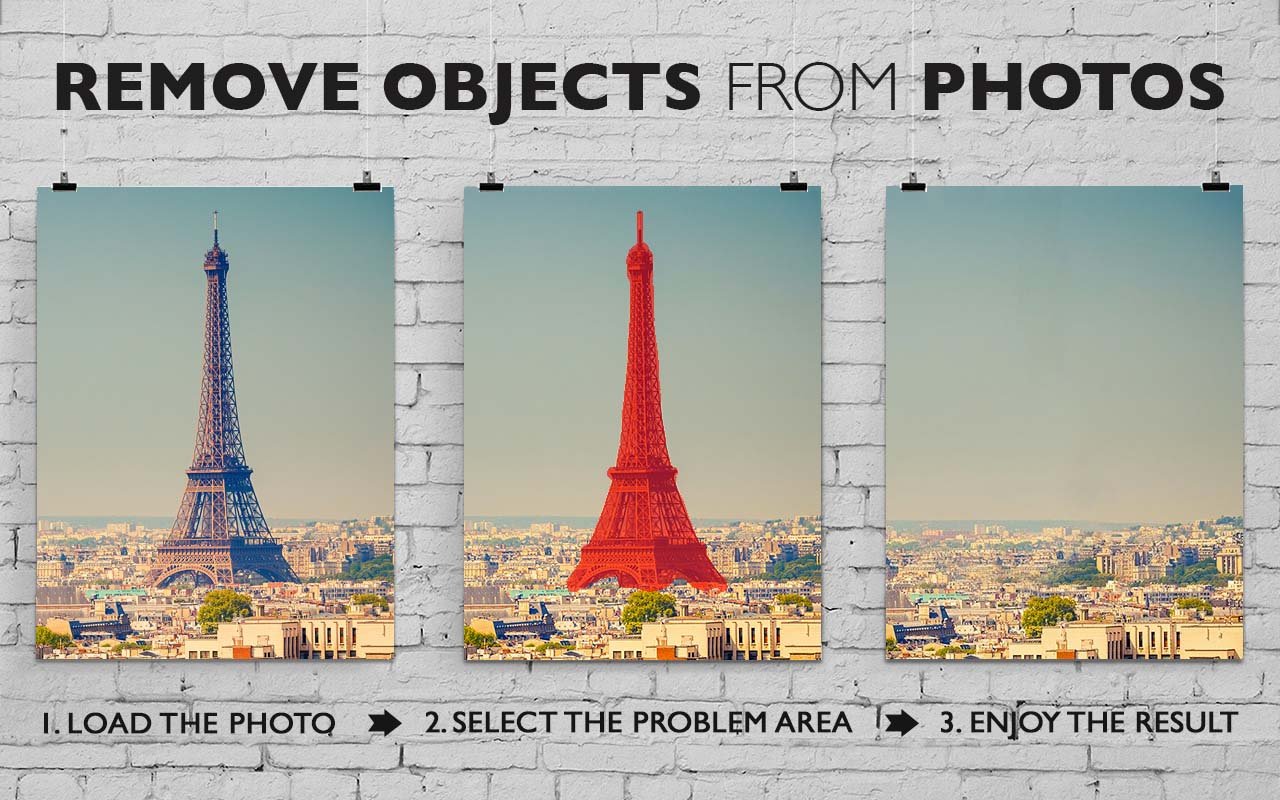
Inpaint rebuilds the selected image area from pixels around the boundary. Remove unwanted objects such as logos, watermarks, power lines, people, text, or other artifacts without manually working through a clone tool.
Mark the area that should disappear, run the repair, and keep the rest of the image intact.
Minimum technical skills required
Inpaint is very effective at removing unwanted objects from photos, but it is also extremely easy to use. Unlike advanced graphics programs, it is a user-friendly, straightforward tool.
With only basic image editing skills, you can achieve excellent results comparable to those produced by specialized software.
Common photo cleanup tasks
- Repair old photos
- Remove watermarks
- Delete unwanted people
- Erase wires and power lines
- Remove date stamps
- Retouch skin blemishes
- Remove tourists from travel photos
- Fill black areas of a panorama
- Remove text or logos
- No advanced skills required
Before and after
Examples show how Inpaint removes selected objects and fills the area with matching image detail.

Before

After
Why users like Inpaint
Designed for people who want fast cleanup, natural-looking repairs, and a simple way to fix photos that are almost right.
Simple selection
Mark the object you want removed with familiar brushes and selection tools.
Natural repair
Reconstruct selected areas from nearby pixels for cleaner-looking results.
Advanced tools
Use Guide Lines, batch processing, and MultiView for more demanding edits.
Windows and Mac
Use a desktop workflow with no image count limits after installation.